
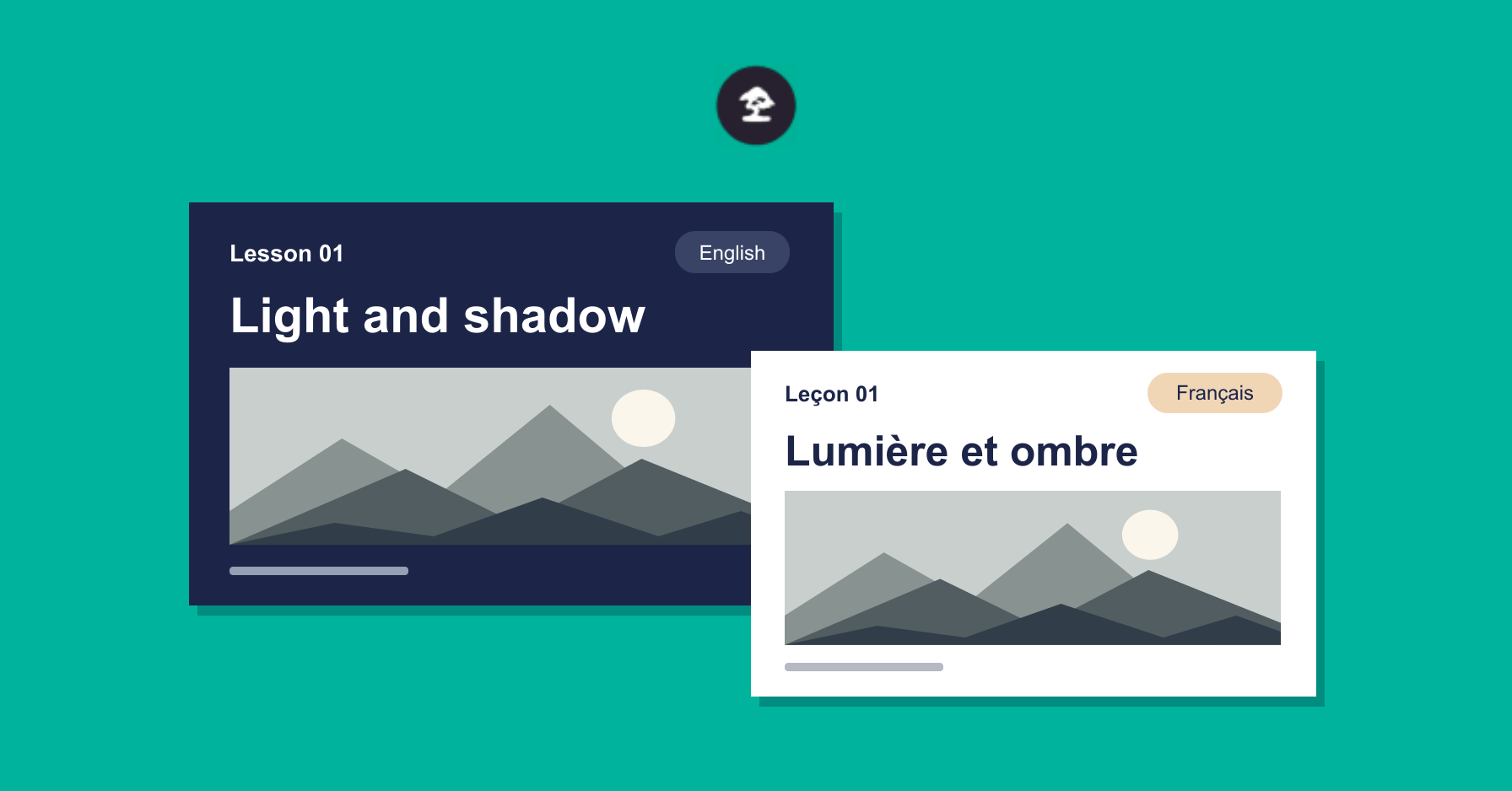
Over the past few releases, we’ve been working with the WPML team to make it easier to teach and learn in more than one language. Sensei LMS 4.27.0 also brings us one step closer to supporting reusable lessons.
Teach in More Than One Language With WPML
Sensei is compatible with WPML, so you can translate your courses, lessons, and quizzes into the languages your students prefer. A student who switches languages can still find their course on My Courses and pick up where they left off.
You can switch languages on the teaching side, too. If a student finishes a course in English and you open the French version, you’ll still see that student listed as Completed on the Students screen. Open your reports in French and you’ll see their activity and lesson completions there, too.
If you’d like to offer a course in another language, our guide walks you through the steps.
Laying the Groundwork for Reusable Lessons
Say you teach two courses, each with its own copy of the same introductory lesson. You spot an outdated example, fix it in one course, and then have to make the same change in the other. With reusable lessons, you’d only need to make that change once.
Today, a lesson belongs to a single course. To support reusable lessons, Sensei will need to track which course a student was taking when they completed a shared lesson. That’s where High-Performance Progress Storage (HPPS) comes in. HPPS gives Sensei a dedicated place to store that progress alongside quiz results. When reusable lessons arrive, you’ll need HPPS enabled to use them.
HPPS is still experimental, and we’d love to hear how it works for you. If reusable lessons are on your wish list, follow the HPPS setup guide on a staging site. Check a student’s progress, review a course completion report, or grade a quiz. Then leave a comment below and tell us what you tried and how it went.
What Else Is New?
- Course previews stay out of your numbers. Reports exclude guest and preview students’ activity from key figures, so taking a lesson for a test drive won’t inflate completion rates or average grades.
- Connected tools can create course drafts. Four new WordPress abilities let a tool connected to your site create a draft course, read and update its outline, and add quiz questions.
- Learning Mode is more accessible. Students can navigate lessons more easily with a keyboard or screen reader, and progress text is easier to read.
- Sensei Pro 1.24.11 supports direct VideoPress links. In an Interactive Video block, you can switch between file and share links for the same video. The questions you’ve added stay right where you put them on the timeline.
Update Sensei LMS to 4.27.0 through your WordPress dashboard or download it from WordPress.org.


